Dev Board Toolkit
Pinouts, wiring, key matrix. For iPhone, iPad and Apple silicon Mac.
Pick a board, add your sensors, displays and parts, and get pins that work, conflict checks, a wiring diagram, a power budget and starter code. It also plans hand-wired keyboards, from layout to matrix to QMK and ZMK configuration.
What's in it
- Board pin maps with each pin's functions and cautions: boot and strapping pins, input-only pins, ADC2 with Wi-Fi, flash and USB pins, 5 V tolerance
- Board finder and side-by-side compare for wireless, USB HID, free pins and power
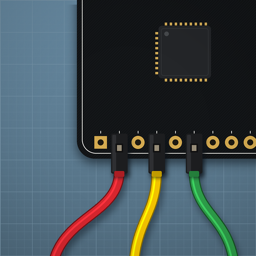
- Pin planner with automatic assignment and conflict checks, a wiring diagram in jumper-wire colours, and starter code: C++ sketch (Arduino IDE), MicroPython, CircuitPython and ESPHome YAML
- LED on a pin: series resistor, pin current against the board's limits, transistor drive when needed
- Keyboard planner: presets or KLE import, matrix and pins for your controller, encoders, OLED, RGB, trackpads and trackballs, QMK and ZMK configuration, plate SVG and DXF
- Power, LED strip and bus helpers, bench calculators, a module library and a maker library
- Projects with notes, photos and checklists; PDF, CSV and .devboard export
Data
Board, chip and module facts are taken from the makers' datasheets, schematics and documentation, and each one lists its source in the app. Clone boards vary: check your board's silkscreen before you wire it. To report an error, use "Report a data error" on any board, module or library page, or email below.
Safety
- Low-voltage DC projects only. The app does not cover mains wiring; mains work needs a qualified electrician.
- Lithium cells can catch fire if shorted, punctured or overcharged. Use protected cells and a matching charger.
- Check voltage and polarity before you power a circuit. Plans and calculations are references, not a guarantee.
Support
Questions, bug reports and feature requests: holmes@nerdalchemy.com